How to Set Up and Use Grid Trading Bots on Binance and OKX
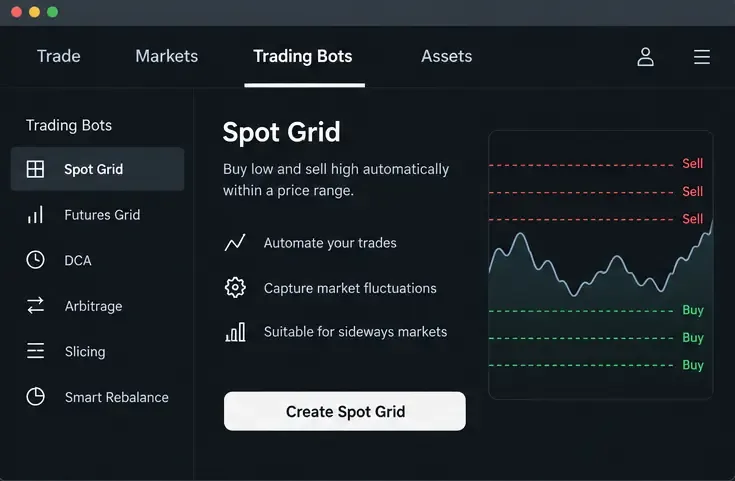
Learn how spot grid bots work, then set up and manage one on Binance or OKX with beginner-friendly parameters, risk checks, and exit steps.
Updated September 16, 2026: Coinbase announced a major redesign of Coinbase Advanced on June 16, 2026, describing a modular interface that can place crypto and stocks side by side and let traders customize layouts with draggable widgets. The exact products and layout you see can vary by region, eligibility, device, and rollout status. The core spot-trading workflow, however, remains familiar: choose a market, read the chart and order book, select an order type, preview the trade, and manage the resulting order.
This walkthrough focuses on that durable beginner workflow rather than assuming every newly announced product is available in every account. It uses spot crypto examples, not leverage or derivatives. Coinbase says Advanced is intended for more experienced traders, but a beginner can still learn it safely by starting with small sizes, understanding each order type before using it, and checking the preview before submitting anything.
Coinbase Advanced is the advanced trading experience inside Coinbase. It replaced Coinbase Pro and uses the same Coinbase account and balances, so you do not need to maintain a separate Pro account. Coinbase says there is no separate subscription fee required to use Advanced. The platform adds TradingView-powered charts, an order book, live trade data, and advanced order types that give you more control over price and execution.
Compared with the standard Coinbase buy-and-sell flow, Advanced interacts directly with the order book. Coinbase states that no spread is included in Advanced trades; instead, trading fees follow a maker-taker model and depend on your applicable fee tier. Fee schedules can change, so do not memorize a percentage from an old guide. Check your fee tier and the fee shown in the order preview immediately before trading.
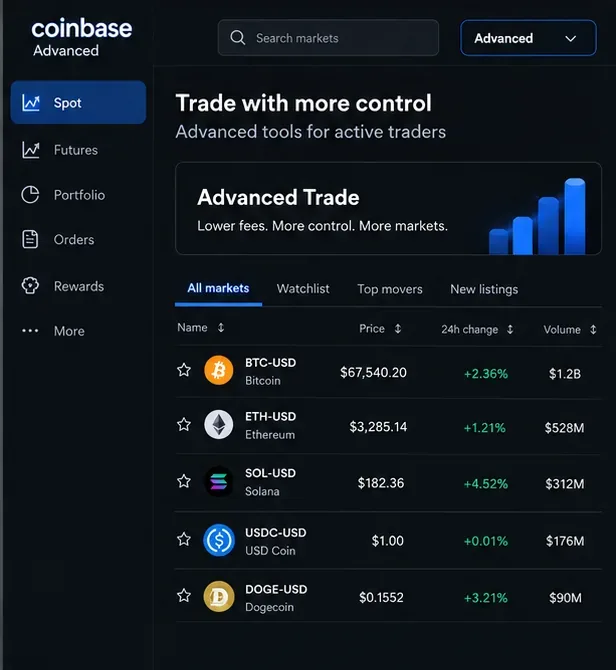
A pair such as BTC-USD means Bitcoin is the base asset and U.S. dollars are the quote currency. A displayed price tells you how many units of the quote currency are being asked or paid for one unit of the base asset. If your account uses another supported fiat or crypto quote currency, the same logic applies.
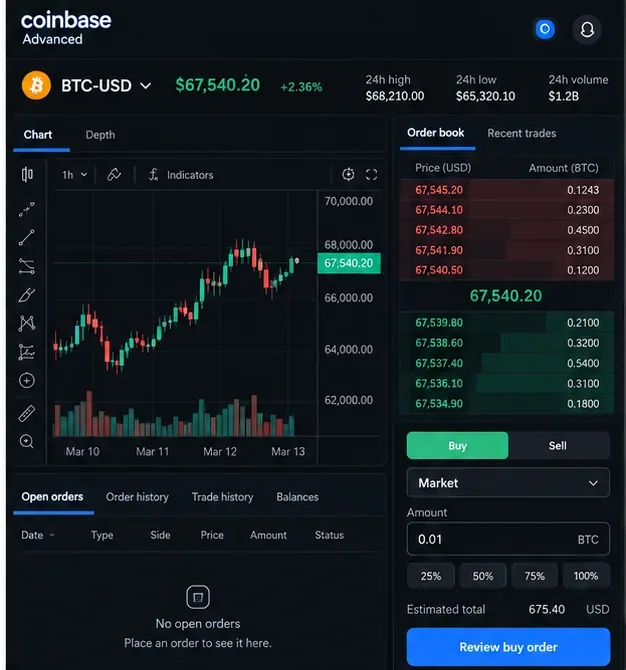
The order book shows resting bids and asks available on Coinbase at that moment. It changes continuously. A large market order can fill at several prices, especially in a thin market, which is why the final average execution price can differ from the last traded price you saw on screen.
A taker order immediately matches existing liquidity. A maker order rests on the book and adds liquidity before another order matches it. Coinbase notes that an order can be partly taker and partly maker if one portion executes immediately and the remainder rests on the book.
Sign in to Coinbase using the official website or app, then switch to the Advanced experience. Coinbase says users can switch between the standard and Advanced experiences while keeping the same assets, balances, and history. The placement of the Advanced control can change as Coinbase rolls out its modular 2026 redesign, so rely on the product label rather than an old screenshot of a specific menu position.
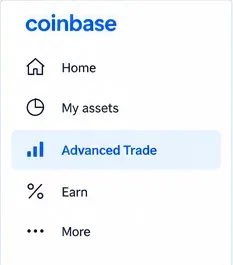
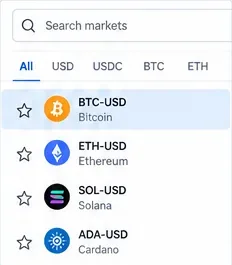
Use market search to find the asset and quote currency you actually intend to trade, such as BTC-USD. Do not choose a similarly named pair by habit: BTC-USDC and BTC-USD are different order books. Availability depends on your jurisdiction and account eligibility.
For a first practice session, spend a minute reading the market page before entering an amount. Note the current bid and ask, recent trades, 24-hour statistics, and whether the market appears liquid enough for the size you are considering.
The Advanced dashboard combines several kinds of information. Coinbase documents a TradingView price chart, a depth chart, a live order book, an order panel, and an open-orders area. The chart tells you what price has done; the order book shows current resting liquidity; neither tells you what price must do next.
Beginners often over-focus on indicators. Start with the basics: the selected market, current bid/ask, spread, recent price range, and the size of nearby orders. Technical indicators can be useful, but they are not a substitute for understanding the order you are about to place.
Coinbase Advanced uses maker and taker fees. Coinbase says the applicable tier is based on trailing 30-day trading volume, and fee tiers update periodically. Eligible Advanced VIP users may also receive tier benefits based on program rules. Because pricing can change, the most reliable number is the one shown in your signed-in fee page and order preview.
A useful beginner habit is to compare the estimated fee with the size of the trade. A fee that looks small as a percentage can matter if you trade frequently. Also remember that market impact and price movement are separate from the explicit trading fee.
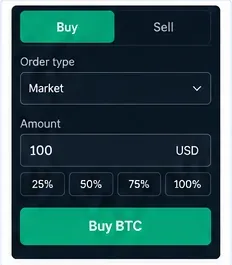
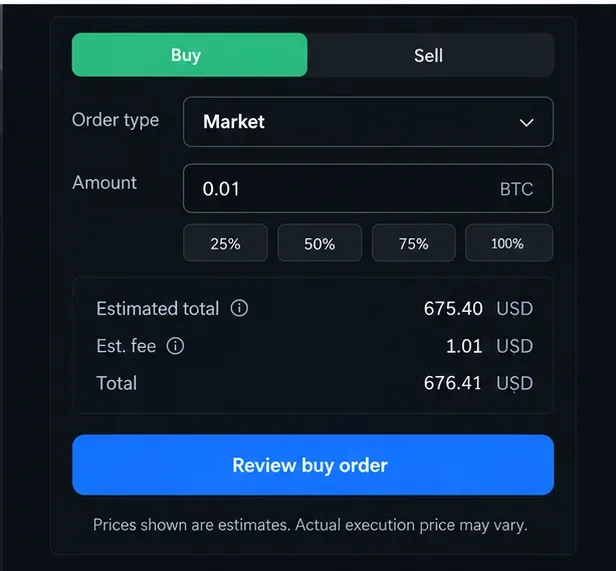
A market order seeks immediate execution at the best available prices. It is simple, but you give up control over the exact fill price. In fast or thin markets, the average fill can move away from the price shown when you clicked.
Enter the amount, review the estimated total and fee, and make sure the side is correct: Buy or Sell. If the preview is materially different from what you expected, stop and investigate rather than submitting out of habit.
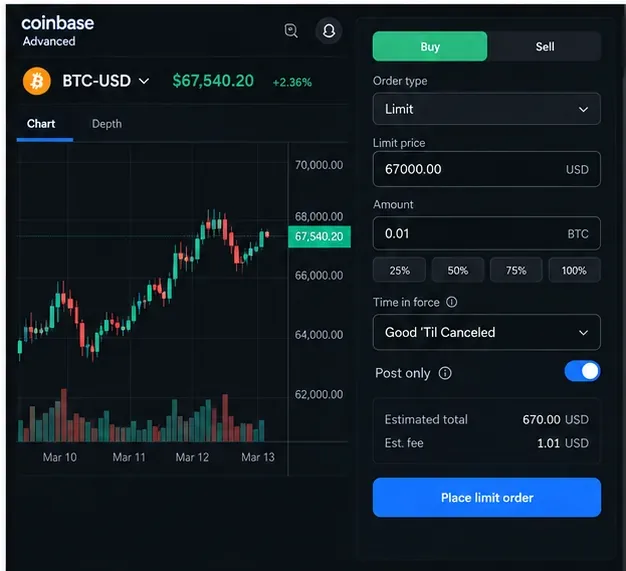
A limit order lets you specify the worst price you are willing to accept: a maximum price for a buy or a minimum price for a sell. The trade may fill immediately, later, partially, or not at all. A marketable limit order can still take liquidity and incur a taker fee.
Coinbase provides time-in-force settings for applicable orders. Common choices include Good ’Til Canceled, which remains open until filled or canceled, and Immediate or Cancel, which cancels any unfilled remainder after the immediate attempt. Coinbase also documents Good ’Til Time and Good ’Til Date for supported cases. If you enable a post-only setting where available, the intention is to keep the order from immediately taking liquidity; review the current on-screen behavior because available controls can vary by product.
Coinbase currently documents several advanced order types. A stop-limit order triggers a limit order when the stop price is reached. A take-profit/stop-loss instruction can attach predefined exit levels to an entry order. A bracket order places profit and loss targets around an existing position. Coinbase also documents TWAP, which splits a larger order into smaller scheduled executions over time.
These tools can help structure execution, but none eliminates risk. A stop-limit order can trigger and still fail to fill if the market moves beyond its limit price. Coinbase specifically warns that bracket protection is not guaranteed during extreme volatility. If you cannot explain the trigger, limit price, and possible non-fill scenario in plain English, keep learning before using the order type.
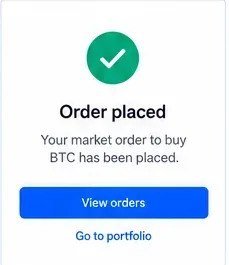
After submission, go to Orders rather than assuming the trade completed. Coinbase’s order-management view can show the pair, type, side, price, amount, percentage filled, total, fee, time, and status. Limit and stop-based orders may remain open, and orders can be partially filled.
If an order no longer matches your plan, cancel the unfilled remainder from the order-management view if the product allows it. A canceled remainder does not undo any portion that already filled.
| Order type | Main control | Key trade-off |
|---|---|---|
| Market | Execution speed | Fill price can move as available liquidity is consumed. |
| Limit | Maximum buy price or minimum sell price | May fill partially or not at all. |
| Stop-limit | Trigger plus limit price | Can trigger without filling if price moves beyond the limit. |
| Bracket / take-profit and stop-loss | Predefined exit levels | Helps structure exits but does not guarantee protection in fast markets. |
| TWAP | Execution spread over time | Reduces dependence on one instant but exposes you to prices throughout the schedule. |
On June 16, 2026, Coinbase announced a significant Advanced upgrade: a modular, cross-asset interface designed to show stocks and crypto side by side and let users choose templates or drag and drop widgets. Coinbase also described broader plans for spot and derivatives infrastructure. Those announcements matter because older tutorials that show one fixed desktop layout can now age quickly.
For a beginner, the practical lesson is simple: learn the function of each panel rather than memorizing its screen position. Market search, charting, the order book, order entry, fee preview, and order management are the durable concepts. Products such as stocks, futures, options, and other derivatives are subject to location, eligibility, and separate risk disclosures and are outside this spot-trading walkthrough.
This guide was checked against Coinbase material available on September 16, 2026. For current product details, use the original sources: Coinbase Help: What is Coinbase Advanced?, Coinbase Help: Advanced dashboard overview, Coinbase Help: Advanced order types, Coinbase Help: Advanced fees, Coinbase Help: Order management, and Coinbase’s June 16, 2026 system update.
Risk note: Crypto trading involves risk, including loss of principal. This walkthrough explains product mechanics and is not investment, tax, or legal advice.
Learn how spot grid bots work, then set up and manage one on Binance or OKX with beginner-friendly parameters, risk checks, and exit steps.
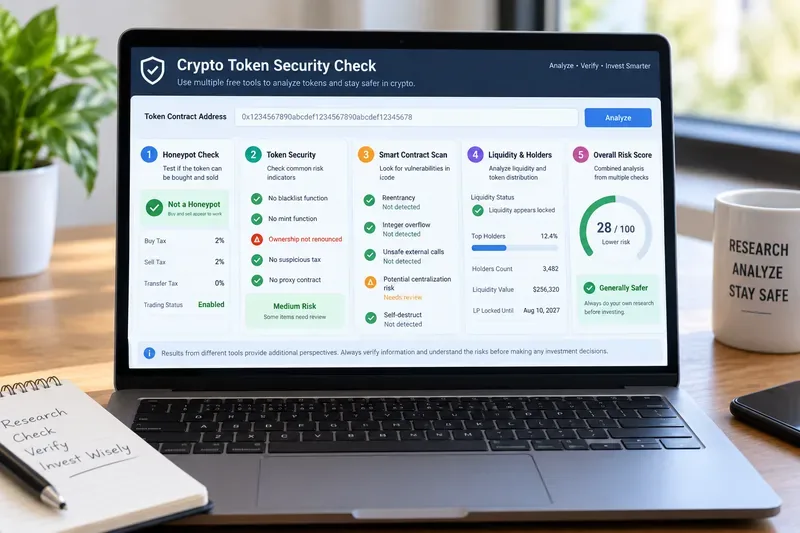
Compare five free crypto token scanners for honeypots, scam signals, smart-contract vulnerabilities, holder risks, and token security before you trade.
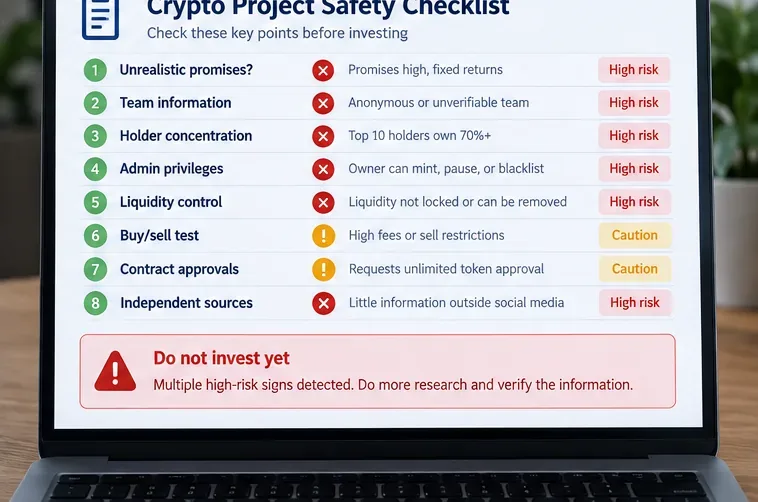
Learn how to spot crypto rug-pull warning signs before buying: hype, team transparency, holder concentration, admin powers, liquidity, sell restrictions, and wallet approvals.
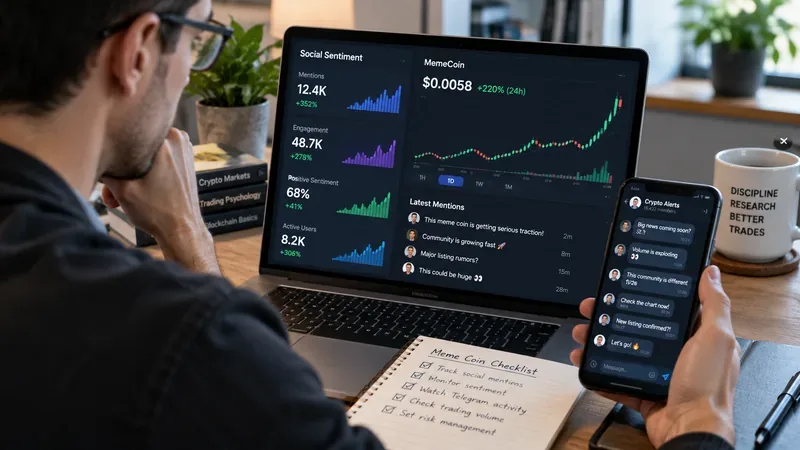
Learn how X (Twitter) and Telegram can amplify meme coin momentum, which social signals matter, how to spot coordinated hype, and how to avoid pump-and-dump traps.
Learn how Coinbase Advanced Trade works in 2026, from choosing a market and reading the order book to placing market, limit, stop-limit, and bracket orders.
Compare crypto day trading and swing trading by time, risk, costs, leverage, and discipline to choose a strategy that fits your schedule.
Learn how to screen low-cap crypto projects using market cap, FDV, liquidity, tokenomics, unlocks, contract permissions, catalysts, and risk controls.
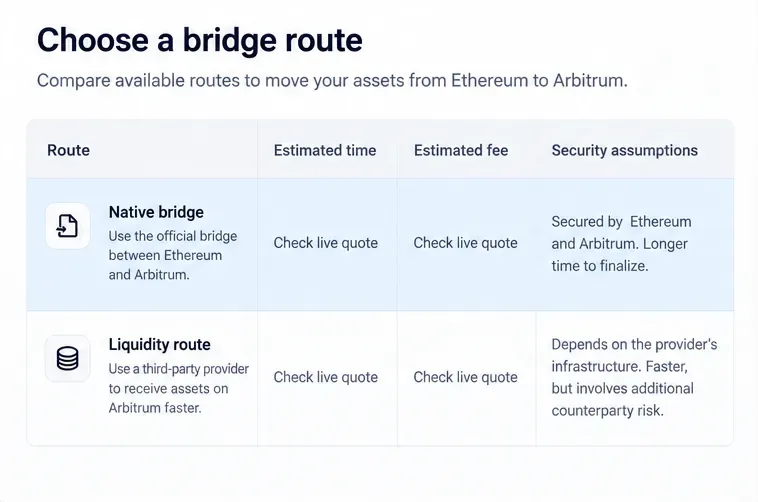
Learn how crypto bridges move assets across blockchains, how to compare routes, verify tokens, manage gas and approvals, and reduce common bridging risks.
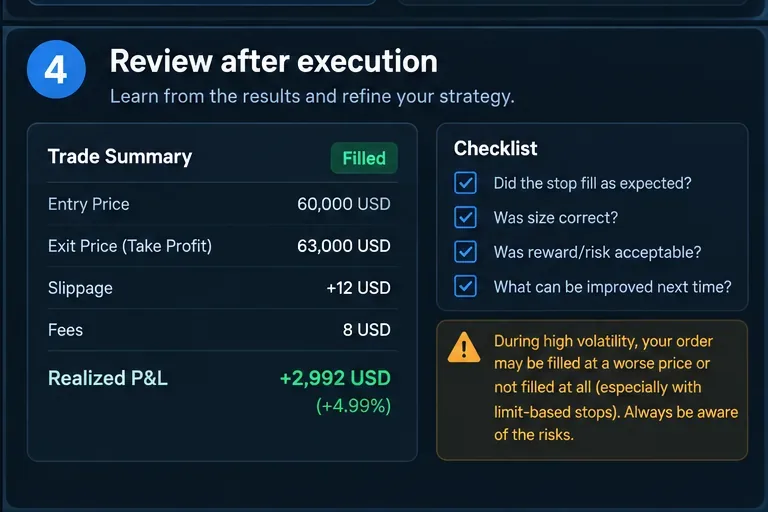
Learn how to place stop-loss and take-profit orders around trade invalidation, position size, volatility, and execution risk instead of relying on arbitrary percentages.
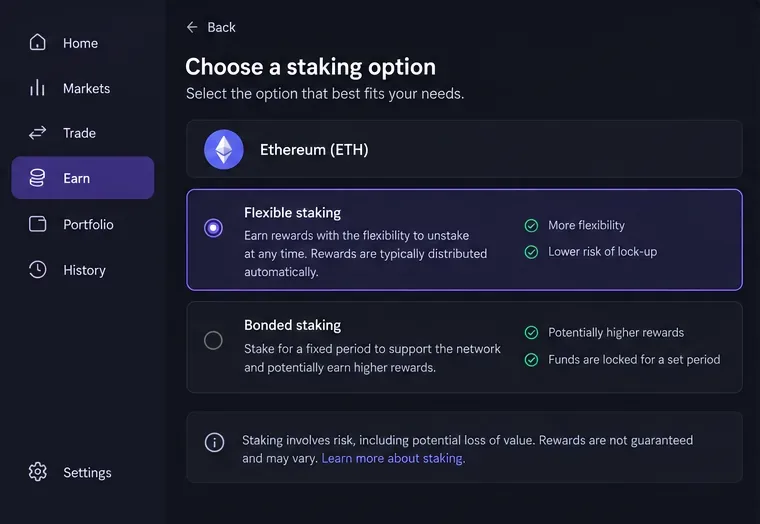
Learn how to stake crypto on Kraken, compare Flexible and Bonded staking, understand rewards and commissions, and avoid common staking mistakes.