Binance Dual Investment Explained: Risks and Rewards
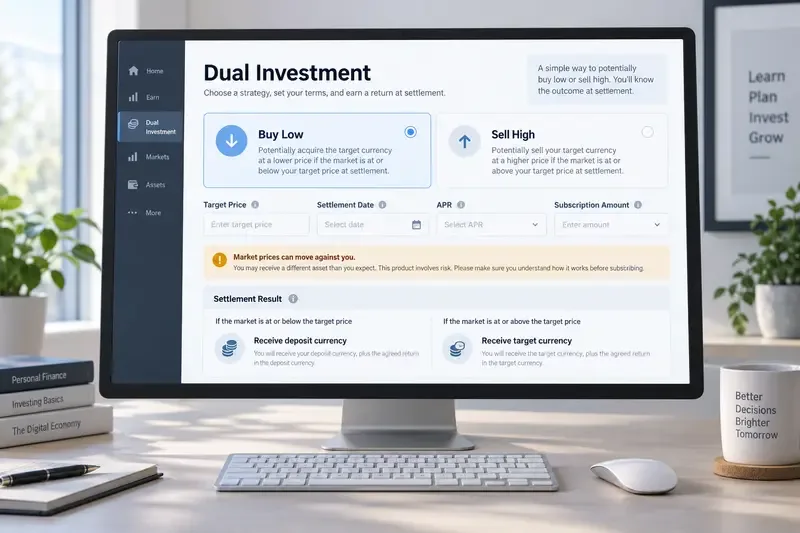
Learn how Binance Dual Investment works, including Buy Low, Sell High, settlement, APR, liquidity limits, market risk, and Auto-Compound.
You send crypto to Coinbase or Binance, the blockchain explorer shows activity, and your exchange balance still says zero. That situation is stressful, but it does not always mean the funds are gone. The first question is not “How do I contact support?” It is “Where did the transfer stop?” A transaction can be unconfirmed, sent on the wrong network, missing a memo or tag, addressed incorrectly, unsupported by the exchange, or waiting for an account review.
Information checked on September 16, 2026. Exchange interfaces, supported assets, recovery eligibility, fees, and processing estimates can change. Use the linked official Coinbase and Binance help pages as the final authority for your specific asset and account.
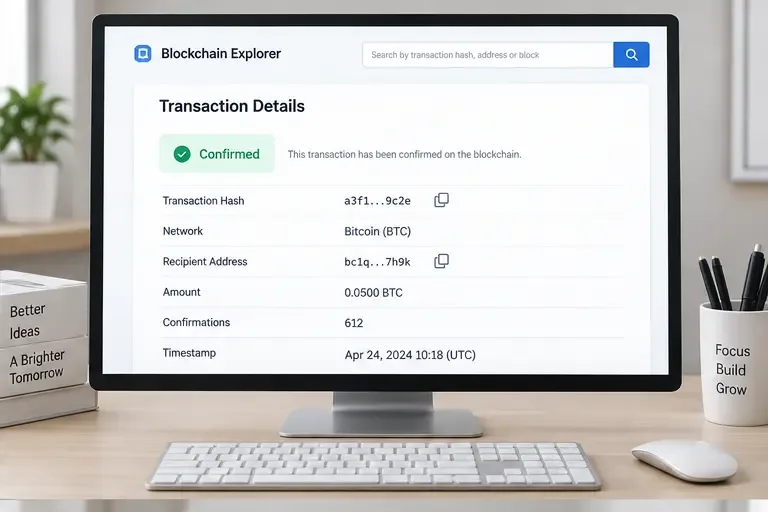
Find the withdrawal record on the wallet or exchange that sent the funds. Copy the full transaction ID, also called a TxID or TxHash. Open it in the block explorer for the network that was actually used. Do not search a Bitcoin transaction in an Ethereum explorer, or an Ethereum transaction in a Solana explorer.
| What you see | Most likely meaning | First action |
|---|---|---|
| No TxID or the withdrawal is still pending | The sender may not have broadcast the transfer yet. | Contact the sending wallet or exchange and ask for the transfer status. |
| TxID exists but the explorer shows unconfirmed | The network has not included or finalized the transaction. | Wait for the network’s required confirmations and monitor the TxID. |
| Confirmed, but no exchange credit | Check address, network, asset, memo/tag, account notices, and deposit status. | Compare every field before opening a recovery request. |
| Sent to the wrong address or unsupported route | Recovery may be impossible or limited to a specific tool. | Stop sending more funds and use only the platform’s official recovery path. |
This classification prevents a common mistake: submitting the same request repeatedly while the transaction is simply waiting for confirmations. Coinbase explains that pending crypto transactions remain unavailable until confirmed in its official pending-transaction guide, while its receive troubleshooting guide recommends checking the sender’s transaction link, network, address, and any account alerts. Binance likewise says confirmation time varies with blockchain traffic and that deposits can be delayed by network conditions.
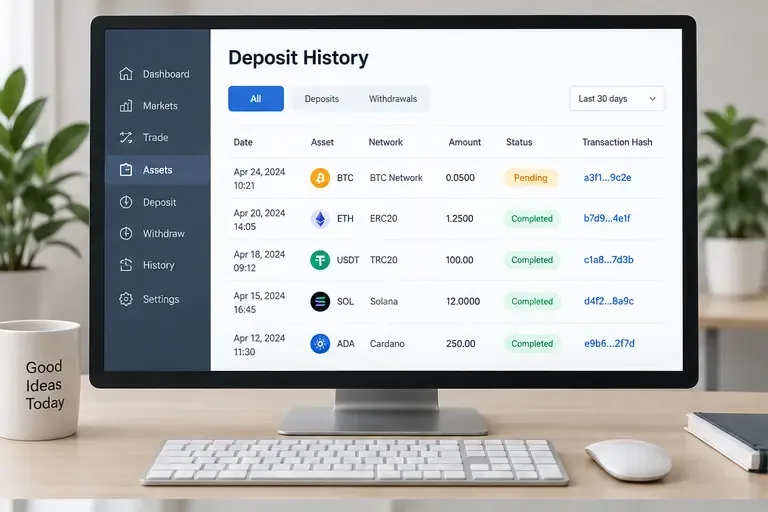
Use the platform’s current deposit page to confirm support immediately before sending another transfer. Binance’s official deposit guide specifically warns users to choose the same network as the sending platform and notes that some networks require a memo. Coinbase’s receive instructions likewise say that assets such as USDC can exist on multiple networks, so the network must be selected deliberately.
In Coinbase, open the relevant asset or transaction details and compare the incoming transfer with the block explorer. If the transaction is still pending, the useful evidence is the number of confirmations and the network status, not just the fact that the sender says “sent.” If the transfer is completed on-chain, verify that it went to a valid Coinbase deposit address for the same asset and network.
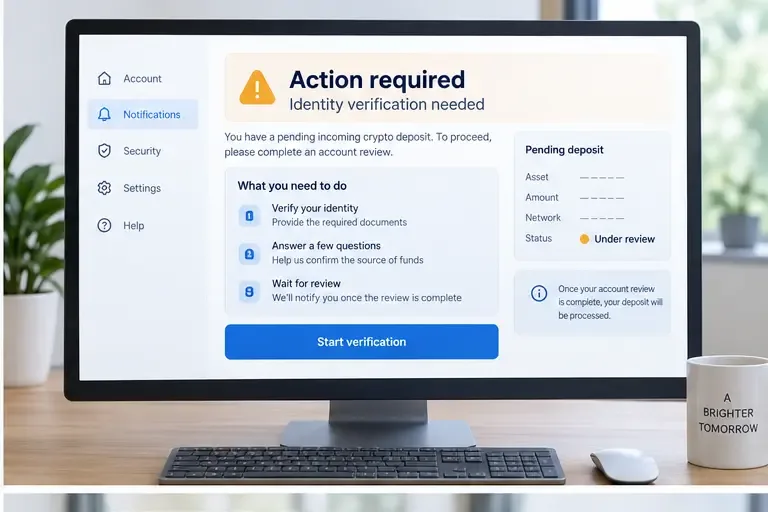
If the account shows an action or verification request, complete it through the signed-in Coinbase account. Coinbase’s official receive instructions also provide the current path for selecting an asset, network, and deposit address. Do not follow a support message that asks for your recovery phrase, private key, password, or one-time security code. A legitimate support process should not need control of your self-custody wallet.
Some assets require a destination tag or memo in addition to the wallet address. Coinbase explains in its official destination-tag and memo FAQ that the tag or memo identifies the customer account when an exchange uses a shared wallet address. If it was omitted or entered incorrectly, the funds may not be credited to the intended account. Save the TxID, amount, sender address, destination address, and the missing or incorrect tag before contacting Coinbase.
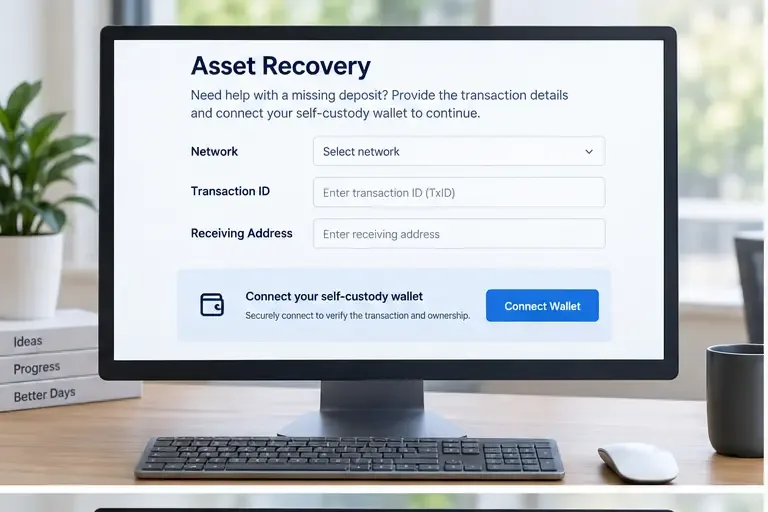
Coinbase has an official recovery service for certain unsupported assets and networks. It is not a universal reversal mechanism. The current Coinbase recovery instructions say that the process is available in a web browser, requires the transaction network, TxID, and address, and sends eligible recovered funds to a self-custody wallet. Only certain assets and networks qualify, some assets cannot be recovered, and the service may involve network fees and a recovery fee for higher-value recoveries. Coinbase also states that asset recovery is not currently available to Prime or Custody customers.
Use the official Coinbase unsupported-crypto recovery guide to check eligibility. If the transaction cannot be found, recheck the asset, Coinbase address, network, and TxID rather than guessing at different values.
Coinbase says that funds sent using an incorrect network may not appear in the account and may be lost. Its supported-assets guidance also warns that assets sent to the wrong address or unsupported network may be permanently lost. If the funds went to a wrong address, blockchain protocols generally do not provide a cancel button; Coinbase’s guidance says the sender must contact the receiving party and ask for cooperation. This is why a recovery form should be attempted only when the official page identifies the case as eligible.
Open Binance’s wallet transaction history and locate the deposit. Compare its status with the blockchain explorer and confirm that the token, network, destination address, amount, and confirmations match. Binance’s official crypto deposit guide and its explanation of uncredited deposits list confirmation delays, unsupported tokens or networks, incorrect addresses, and wrong or missing memos among the main causes.
For the current supported-asset and network state, use Binance’s official “Why Hasn’t My Deposit Been Credited?” guide. The relevant status can change, so a network that was available yesterday should not be assumed to be available today.
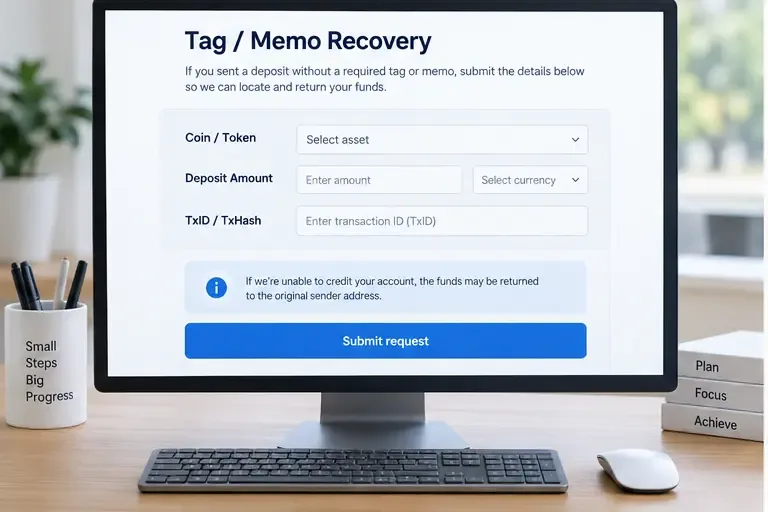
Binance provides a specific recovery route for some wrong or missing tag/memo deposits. Its instructions require the correct listed coin or token, the accurate deposit amount, and the correct TxID/TxHash. The FAQ says that recovered funds are returned to the original sender address after the application is confirmed, and a retrieval fee may apply. It also warns that recovery can fail if the tag accidentally belongs to another user.
Start from Binance’s official wrong or missing tag/memo recovery instructions. Enter only the data requested by the form. A TxID field is not a place to paste a deposit address, UID, e-mail address, or extra explanation.
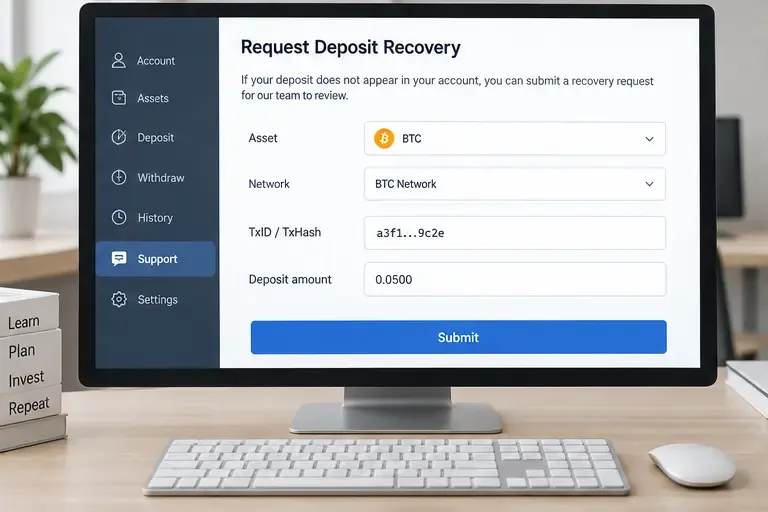
Binance also documents a self-service recovery process for some deposits that have not arrived, including certain unlisted tokens or unsupported network cases. The official page presents different eligibility categories, fees, and estimated processing times. Those conditions are not interchangeable, and a successful recovery is not guaranteed. Check the live form and the official Binance self-service recovery FAQ before submitting.
Do not assume that “the network is supported” means “the token is supported.” Binance explicitly notes that network support and token support are separate checks. Also, if the funds were withdrawn from Binance to a third-party platform, Binance says the receiving platform is the party to contact for retrieval.
Binance’s incorrect-deposit FAQ states that Binance generally does not offer a token or coin recovery service, although it may, at its discretion, assist in some significant-loss cases and successful recovery is not guaranteed. If you used the wrong address, do not create a new transaction hoping to overwrite the old one. Keep the original TxID and open a case only through the official Binance support flow. The official incorrect-deposit FAQ explains the limitations.
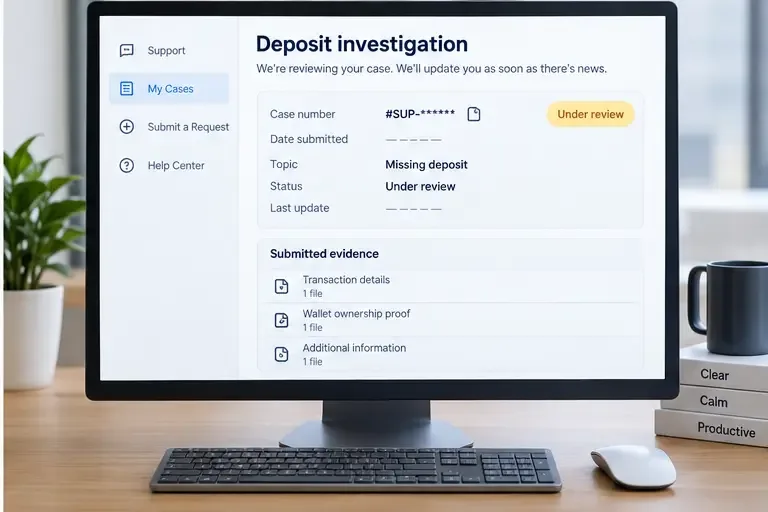
A support agent can investigate faster when the facts are in one concise record. Prepare:
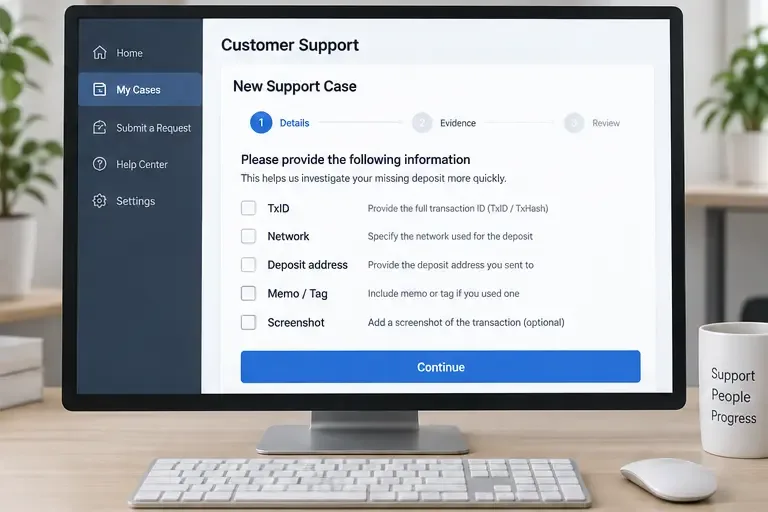
Never send a seed phrase or private key as “proof of ownership.” It can give someone control of funds that are still in your wallet. Do not pay a person who contacts you privately and promises guaranteed recovery, and do not connect a wallet to a link received in an unsolicited message. Use the official help center opened from the exchange’s known website or app.
If there is no TxID, the withdrawal is pending, or the sender has not actually broadcast the transaction, begin with the sending wallet or exchange. If there is a confirmed TxID and it points to the correct receiving address, the receiving exchange is normally the right place to investigate crediting, memo handling, account review, or wallet maintenance. This is a practical routing rule based on where the evidence exists: the sender controls the withdrawal record, while the receiver controls the deposit ledger.
For a transfer from Coinbase to Binance, start by checking Coinbase’s withdrawal status and then give Binance the TxID if the blockchain confirms the transfer. For a transfer from Binance to Coinbase, do the reverse. Avoid opening duplicate tickets on both sides with different versions of the story.
Self-check the result instead of relying on a support message alone:
Bottom line: identify the transfer on-chain first, then compare asset, network, address, memo/tag, confirmations, and account status. Coinbase offers limited recovery for certain eligible unsupported deposits but says incorrect-network and wrong-address transfers may be unrecoverable. Binance provides specific tag/memo and self-service recovery routes for selected cases, with eligibility, fees, and timelines that must be checked in the current official form. No exchange can guarantee recovery, so precise evidence and secure support habits matter as much as speed.
Learn how Binance Dual Investment works, including Buy Low, Sell High, settlement, APR, liquidity limits, market risk, and Auto-Compound.
Learn why Binance withdrawals may be suspended, how to identify account or network restrictions, and the safest steps to restore access or retry.
Learn how crypto exchange Convert tools work, when a swap is truly zero-fee, how to compare quotes and spreads, and how to complete a conversion safely.
Missing a crypto deposit on Coinbase or Binance? Check confirmations, network, address, memo or tag, and the correct recovery path.
Learn how to calculate crypto risk-to-reward ratios, size positions, account for fees and slippage, and use R-multiples to manage trades consistently.
Learn how Ethereum gas fees work, what base fees and priority fees mean, and practical ways to reduce transaction costs safely.
Learn how to verify crypto founders and developers using public, independent evidence without doxxing, exposing private data, or risking your wallet.
Learn how to take profits on meme coins using staged exits, liquidity checks, risk limits, tax awareness, and clear rules before a sharp reversal.
Learn how crypto DCA works in bear markets, what risks it can reduce, what it cannot protect you from, and how to build a disciplined plan without mistaking it for safety.
Learn how to read crypto candlestick patterns using OHLC, candle bodies, wicks, trend context, confirmation, and risk controls—without treating patterns as guarantees.